
Keep folders organized
Create folders to organize the documents you manage throughout your workflow, without digging through email chains.
01 / ORGANIZELoading Documents & Secure Document Portal | 1 Solution Essentials
Organize the files your team works with every day. When you need documents from a borrower, customer, or prospect, send a secure upload link and let the files come to you.
Documents received through Secure Portal
Your everyday documents and incoming customer files belong in a place your team can actually find them.
Create folders to organize the documents you manage throughout your workflow, without digging through email chains.
01 / ORGANIZEUse My, Team, and Company Workspace views to navigate files according to the access available to your account.
02 / ACCESSKeep important files inside Documents so you can return to them, review them, and download what you need.
03 / MANAGERequest documents through Secure Document Portal and receive uploads directly into the customer's own folder.
04 / COLLECTCreate a secure document link for a borrower, customer, or prospect. They upload through their Secure Portal account; the documents arrive in a dedicated folder under your Documents area.
No separate file-sharing process to manage. The same customer link can be used again whenever more documents are needed.
From Documents, select Secure Link and enter the customer's name and email address.
The customer follows the link, signs in or registers through Secure Portal, and verifies their email.
They authorize the intended recipient, choose the files, and confirm the upload.
Get notified and find the uploaded files under Secure Link in the customer's dedicated folder.
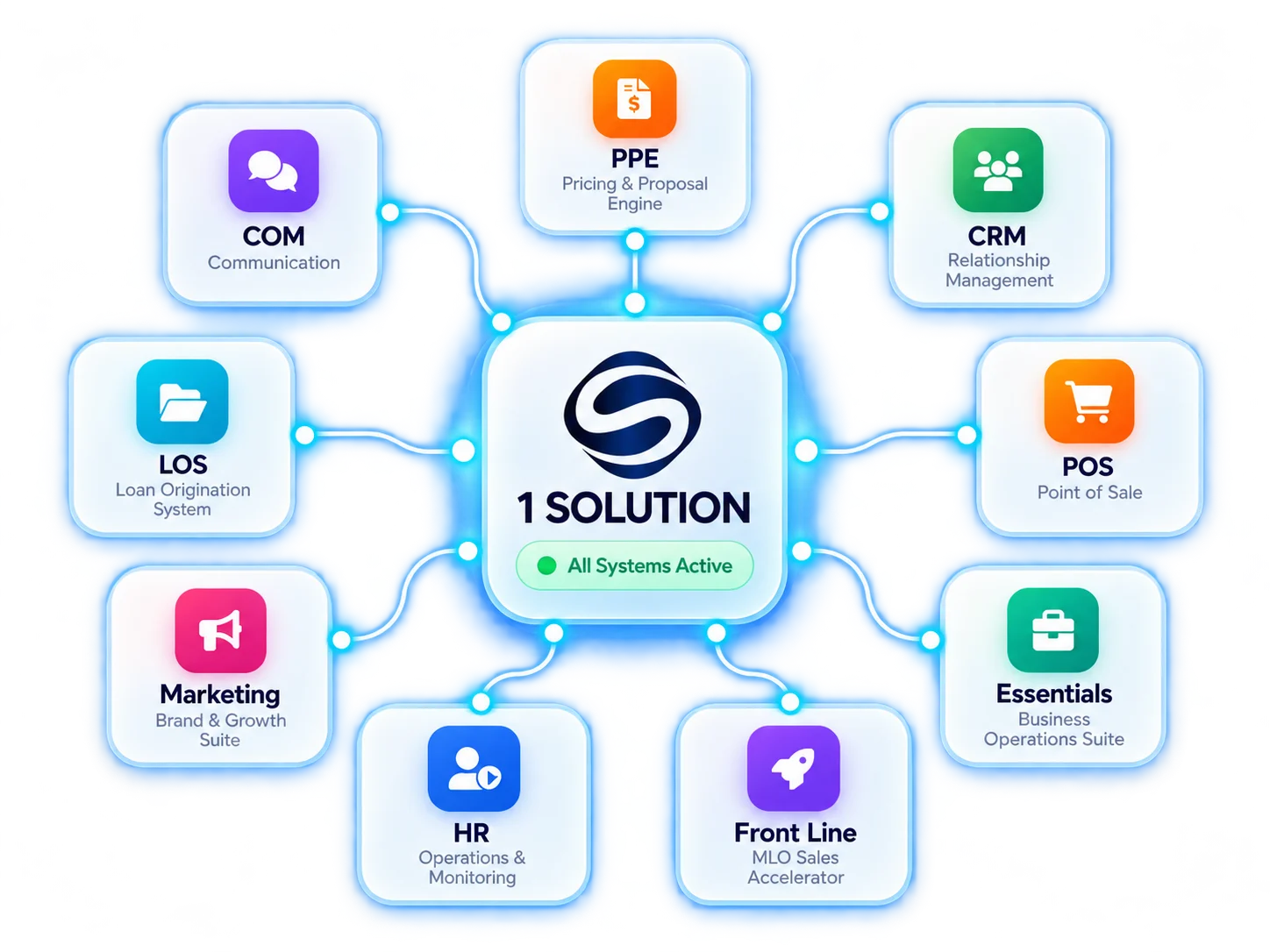
All-in-one platform designed to simplify your workflow, increase productivity, and help you close more loans.
Automate tasks and streamline your workflow.
Get better visibility and move faster.
Built-in compliance tools keep you audit-ready.
Grow your business with confidence.